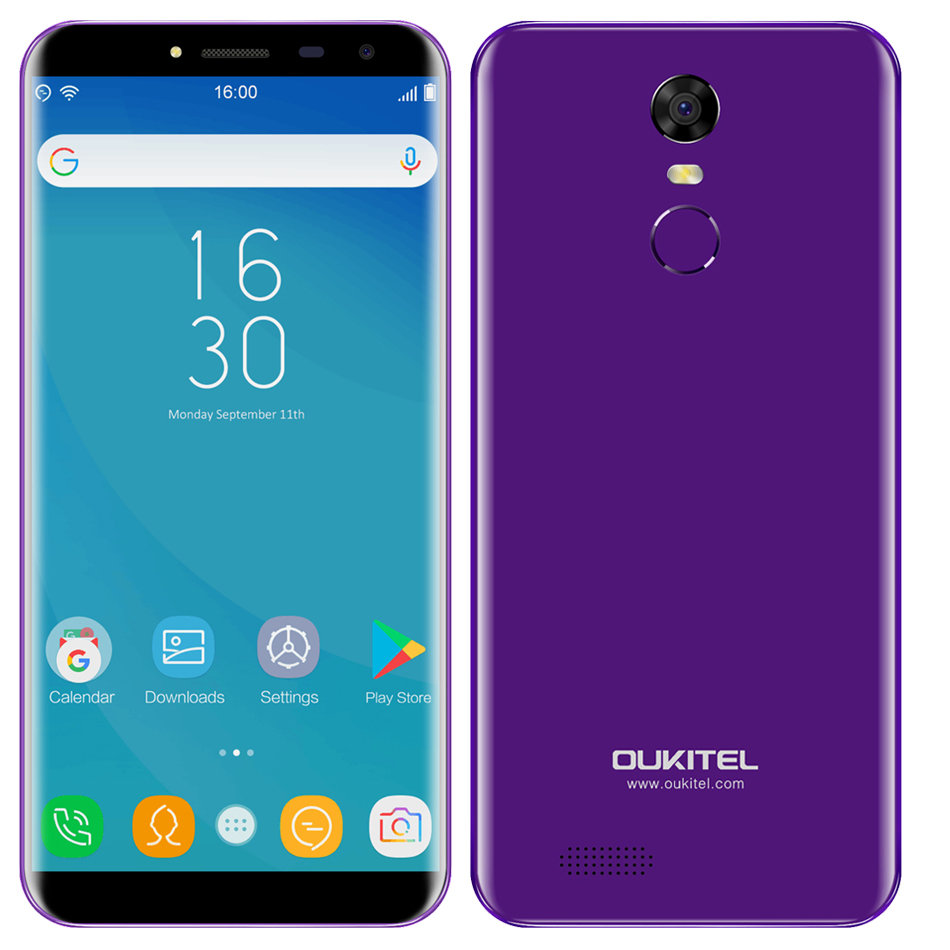
The steps I’m about to show you are for those who own Oukitel phones and have a frustrating WiFi problem that keeps turning itself off repeatedly whenever you turned it on.
When I first encountered this problem with my Oukitel, I decided to check out a few websites on how to solve this problem.
One of the websites said that this issue might have been caused by a 3rd party app so I start up my phone in Save Mode 5 times to disable all 3rd party apps but it didn’t solve the issue.
Next, I checked my phone to see if power saving mode was on because sometimes this can interfere with the WiFi but it wasn’t on.
Third method was to see if this issue was caused by a faulty WiFi router. Unfortunately, it was not the problem here because my PC had good Internet connection and so were my other devices which were place quite far from the router.
Some android websites say this issue might have been due to a VPN interference but this can’t be the case here because I never installed one before.
One site suggested keeping WiFi on during sleep. I tried that and it didn’t work.
Finally, I went into my phone settings, tap on Apps and while scrolling through the list, I came across a system app called Factory Test. I also remembered that this app previously gave out a message saying that an app called Da Tuner, I downloaded, had virus in it. Right after that, an app named PayTM appeared on my home screen.
There was another pop-up message from Factory Test saying that my E-wallet had virus in it(I’m not sure about the E-wallet issue because the phone belongs to a family member of mine who passed it on to me).
So the next thing I did was to delete PayTM app but it kept reappearing on the home screen a few times before it fully disappeared.
All of these weird issues and the messages given out by Factory Test app prompted me to know more about this app. As far as I know, most system apps are usually in 0 kb or bytes. But this app was 35 mb which was quite big for a system app.
So i decided to clear data for this app and deny it permission to modify system settings. The app was 16 KB and Walla! My WiFi was working properly. No more turning off automatically.
I hope the steps I told you above works. Just take note that some methods and results might vary between phones with different versions.
Anyway, good luck trying to all Oukitel users trying the steps above!
 TechandNation